
Plastic Sleeve Covers
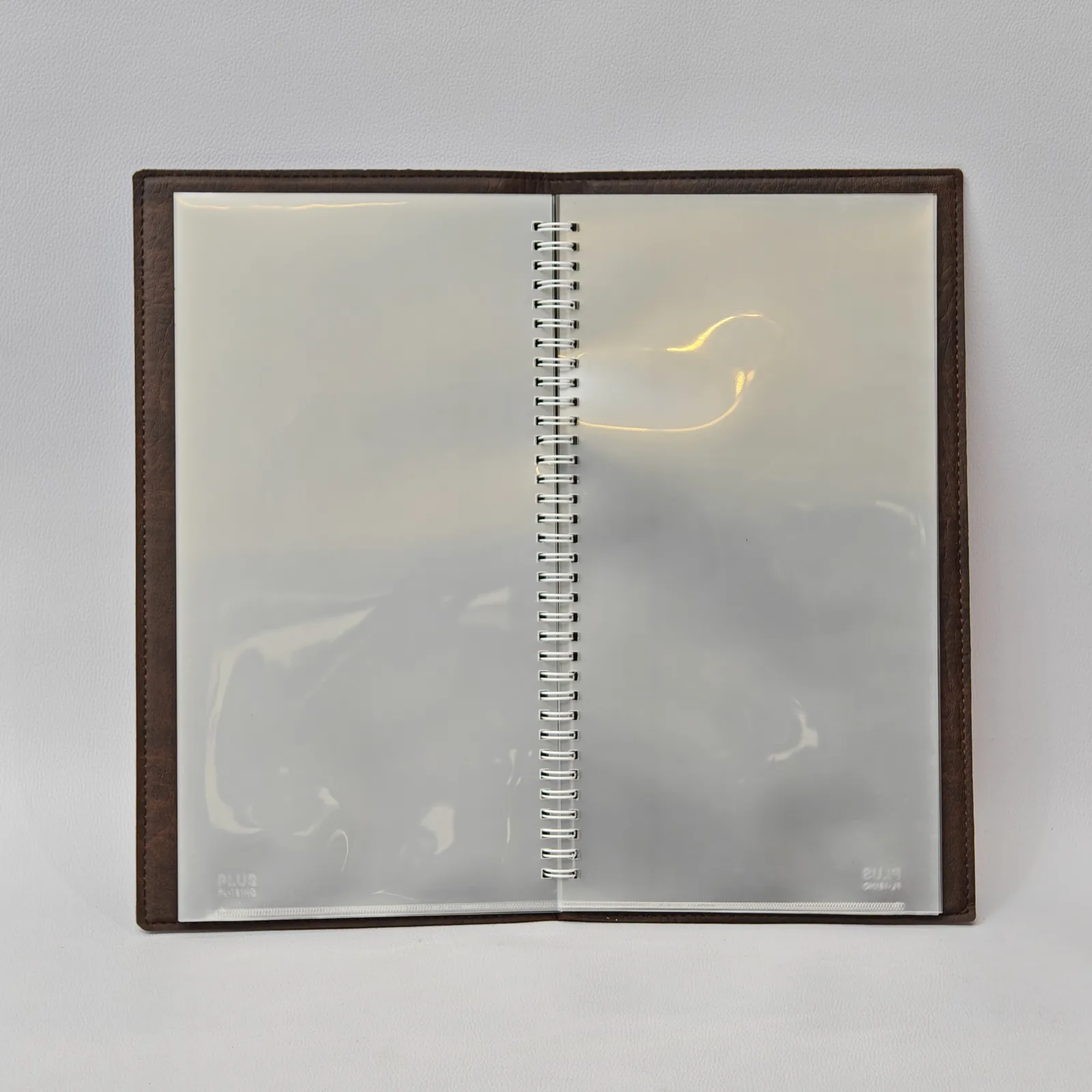
Plastic sleeve menu covers hold inserts inside clear pockets. Choose by paper format, insertion direction and readability under service lighting.
Product examples
A DIFFERENT STARTING POINT
No matching pieces yet.
Try fewer filters, or tell us what you have in mind.
Choosing the right specifications
Choose pockets around the printed sheet
Measure the trimmed sheet and try sliding it into a pocket with dry hands. Choose an opening staff can reach and that holds the insert when the cover is upright. Allow clearance for welded edges and the binding so text stays visible.
Check glare at the table
Read the pocket and printed insert at the table under actual lighting. Dark colours and small type can be harder to read through glare. Compare a directly printed PVC insert if you want fewer layers in the cover.
Count sleeves after they are filled
One sleeve can display both sides, but both the pocket and paper add thickness. Fill a prototype, lay it flat and turn to the final page. For spiral-bound pockets, confirm how a whole sleeve is replaced if service staff need that option.

Get your bespoked
Talk with us to get consulted on your custom design and quotation.